
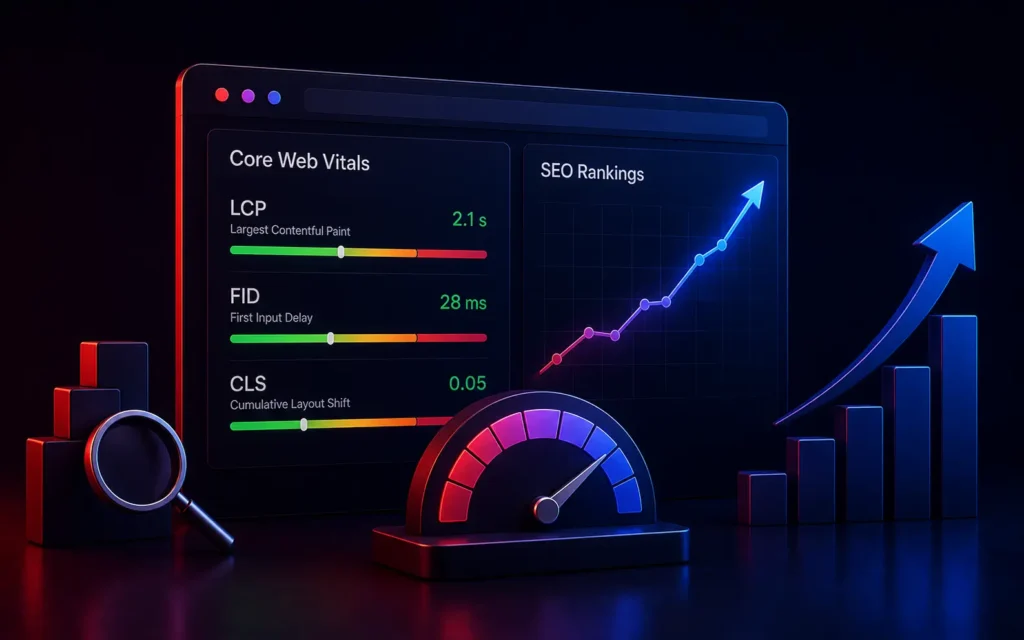
The Impact of Core Web Vitals on SEO Rankings in 2026
How do Core Web Vitals affect SEO?
Core Web Vitals are a direct ranking factor in Google’s algorithm. They measure real-world user experience by tracking loading speed, visual stability, and interactivity. If your website fails these metrics, Google assumes it provides a frustrating user experience and will actively suppress your rankings, regardless of how good your content is.
For Web Developers and Technical SEOs, the line between marketing and engineering has vanished.
You can execute a flawless Content Marketing Strategy and build massive domain authority, but if your underlying code is bloated, your organic traffic will flatline.
Google is obsessed with user experience. If a user clicks a link from the search results and the page takes five seconds to load, the user will bounce back to Google. Google views this as a failure of its own search engine. To combat this, Google introduced Core Web Vitals-a strict set of technical metrics that quantify exactly how frustrating a website is to use.
Here is a deep dive into the three metrics that dictate your technical SEO performance in 2026, and how to optimize them.
1. Largest Contentful Paint (LCP): Loading Speed
LCP measures how long it takes for the largest element on the screen (usually a hero image, a video poster, or a massive block of text) to become fully visible to the user.
- The Target: LCP must occur within 2.5 seconds of the page starting to load.
- The Problem: E-commerce sites and enterprise landing pages often use massive, unoptimized background images or rely on heavy JavaScript frameworks that block the browser from rendering the image quickly.
- The Fix: As we highlight in our Custom Web Development best practices, you must compress images using next-gen formats (like WebP or AVIF), utilize a premium Content Delivery Network (CDN) to serve assets locally, and implement aggressive caching.
2. Interaction to Next Paint (INP): Interactivity
INP replaced the older FID (First Input Delay) metric. It measures the responsiveness of the entire page over the full lifespan of a user’s visit.
If a user clicks a “Add to Cart” button, or opens an accordion menu, INP measures exactly how many milliseconds it takes for the website to visually respond to that click.
- The Target: INP must be under 200 milliseconds.
- The Problem: Modern Single Page Applications (like those built with React) often have massive JavaScript bundles running in the background. If the browser’s main thread is busy calculating a complex script, it physically cannot respond to the user’s click until the script finishes, causing a frustrating “lag.”
- The Fix: Developers must break up long Javascript tasks, defer non-critical scripts (like third-party tracking pixels) until after the page loads, and minimize main-thread work.
3. Cumulative Layout Shift (CLS): Visual Stability
Have you ever been reading an article on your phone, and suddenly the text jumps down two inches because an ad finally loaded at the top of the page, causing you to accidentally click the wrong button? That is a Layout Shift.
CLS measures the visual stability of a page. It calculates how much the elements on the screen jump around while the page is loading.
- The Target: CLS must be less than 0.1.
- The Problem: Layout shifts are almost always caused by images, ads, or iframes that are injected into the HTML without specifying their exact width and height dimensions in advance.
- The Fix: This is the easiest Core Web Vital to fix during a Technical SEO Audit. Developers must explicitly define the
widthandheightattributes in the HTML for every single image and video. This reserves the exact amount of blank space on the screen while the image loads, preventing the text from shifting once the image finally appears.
Conclusion
Core Web Vitals are not optional guidelines; they are the technical gatekeepers of page one on Google. You cannot “SEO” your way out of a slow website. By forcing your development team to obsess over LCP, INP, and CLS, you ensure your digital platform provides a frictionless, premium user experience that search engines actively want to reward with higher rankings.
Are technical errors tanking your SEO rankings?
At VDPL, our senior engineers build blazing-fast, custom web architectures optimized specifically to pass Google’s thorough Core Web Vitals assessments. Contact us today for a technical performance audit.
Frequently Asked Questions (People Also Ask)
What are the 3 Core Web Vitals?
The three Core Web Vitals are Largest Contentful Paint (LCP), which measures loading performance; Interaction to Next Paint (INP), which measures page responsiveness and interactivity; and Cumulative Layout Shift (CLS), which measures the visual stability of the page as it loads.
Is Core Web Vitals a ranking factor?
Yes. Google officially made Core Web Vitals a ranking factor as part of its “Page Experience Update.” While highly relevant content is still the most important ranking factor, if two websites have equally good content, the website with passing Core Web Vitals will outrank the slower, less stable website.
How do I check my Core Web Vitals score?
You can check your Core Web Vitals score using Google’s free tools, including Google PageSpeed Insights (which provides both lab data and real-world field data) or by reviewing the Core Web Vitals report inside your Google Search Console dashboard.