
Practice management platform
CareZenix
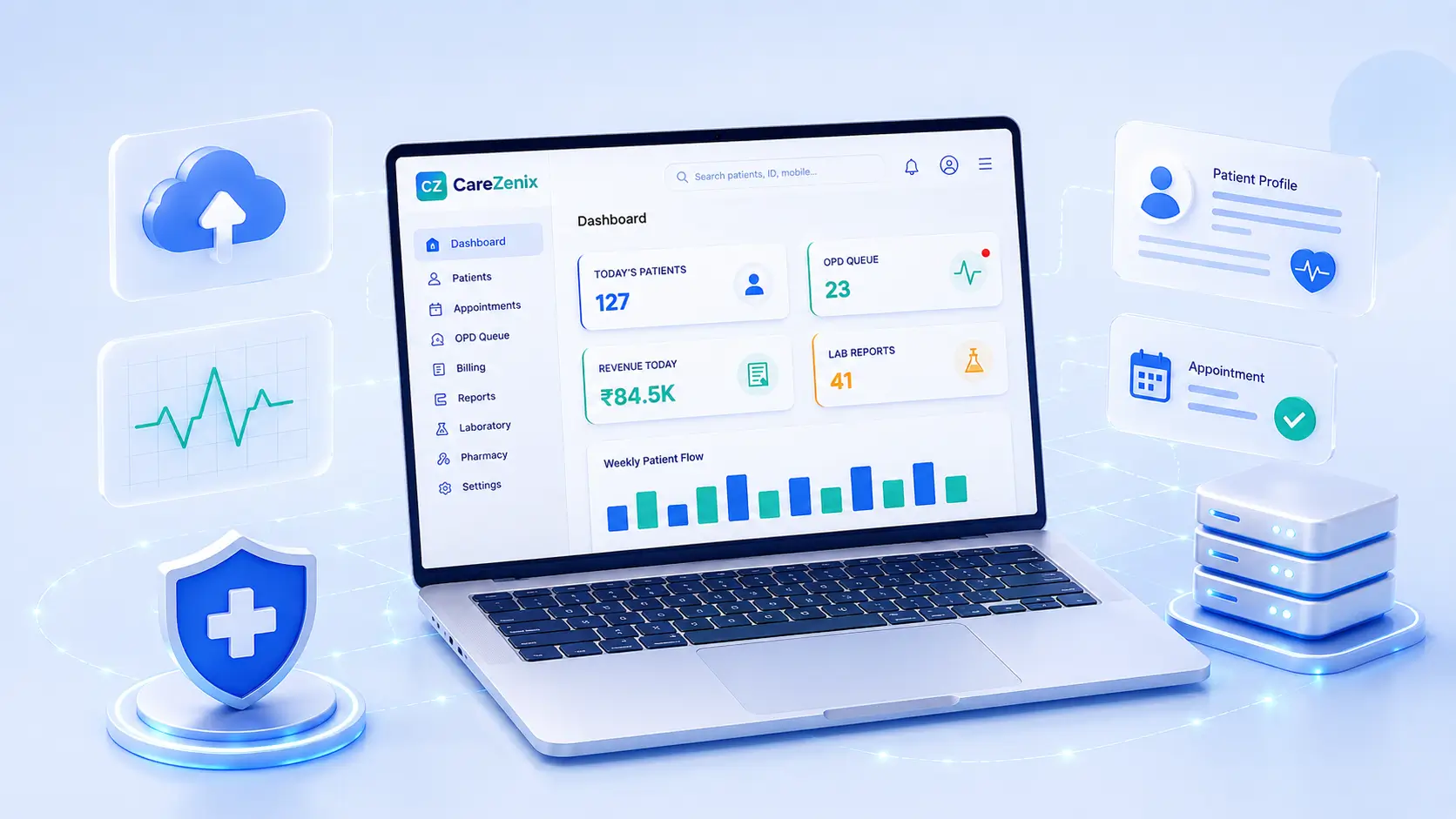
A practice management platform for doctors, clinics and clinic groups. Appointments, prescriptions, patient records, payments and a patient portal in one system, branded as yours rather than as ours.
Availability
Built, available to demo
The system is built and we can walk you through it end to end. It is not yet running for a client, so we will show you the software rather than a case study.
What CareZenix does
Most clinic software is bought to fix one thing and then quietly becomes the thing everybody complains about. The diary lives in one place, prescriptions in another, and the receptionist keeps the real schedule in a notebook because the software cannot express that Dr Sharma does not take new patients on Thursday afternoons. CareZenix was built around that gap: the scheduling rules people actually work by, rather than a single weekly grid every clinic then works around.
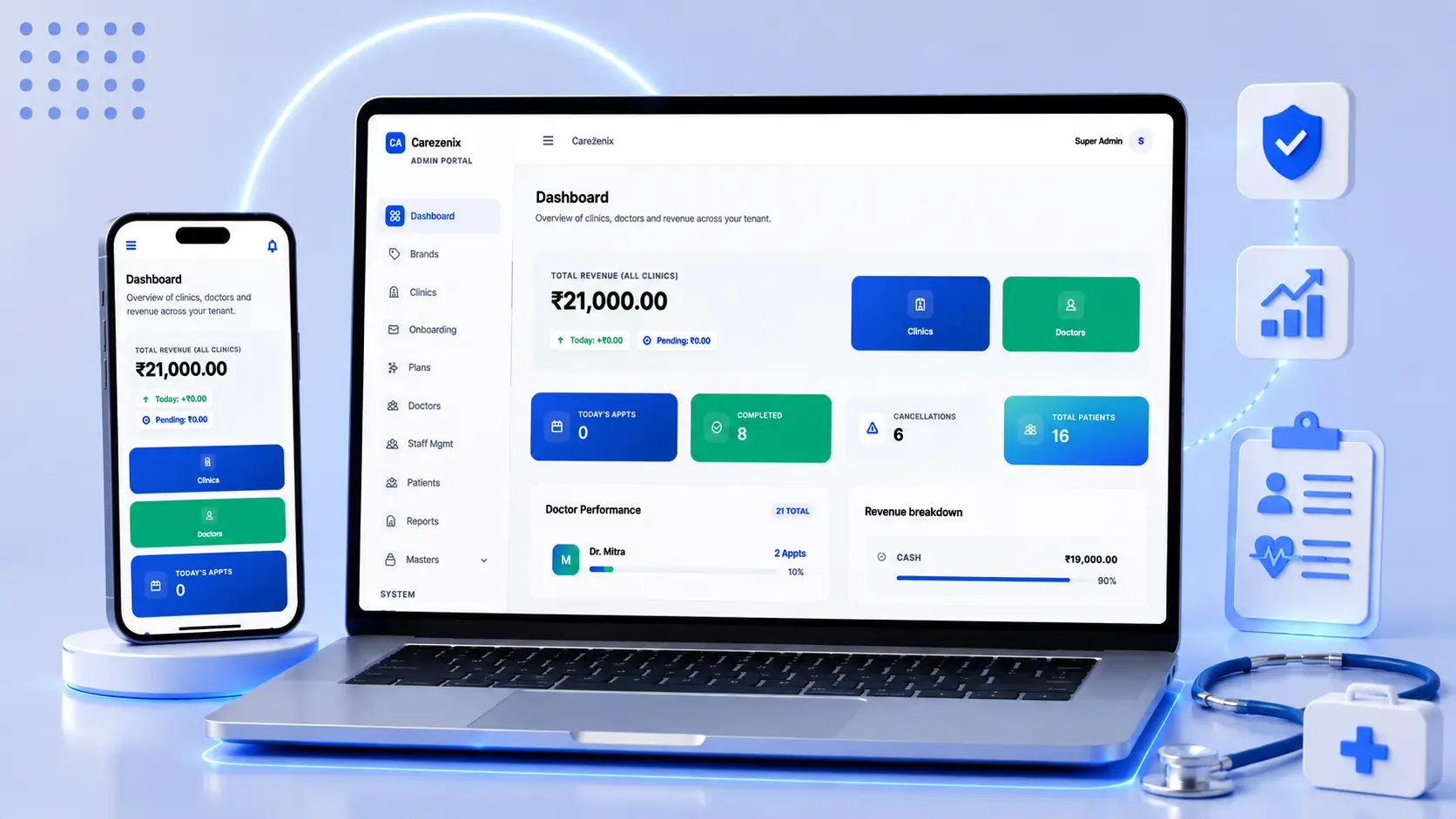
It runs a doctor, a clinic and a group of clinics from one system. A solo practitioner uses the booking widget and the prescription pad. A multi clinic group uses the same platform with its own branding, its own staff roles and reporting across every location. Nothing has to be replaced when a practice grows from the first to the second.
It is an outpatient system. That is a deliberate boundary and it is stated plainly further down, because the fastest way to lose a hospital’s trust is to let them discover the limit after the demo rather than during it.
Is this the right fit?
A fit when
- A clinic where the working schedule lives in a notebook because the software cannot express it
- A doctor who wants patients to book online without paying a marketplace for the privilege
- A group opening its second and third location and finding nothing reports across all of them
- A practice that wants the system to carry its own name and logo, not a vendor badge
- A team where reception, doctors and accounts each need a different view of the same day
The wrong choice when
- A hospital that needs inpatient admissions, beds and wards. CareZenix is outpatient only, and there is no bed management in it
- A pharmacy or store that needs stock, batch and expiry tracking. Medicines exist here as a prescribing list, not as inventory
- A practice that needs insurance claim submission or TPA workflows
- A hospital procuring against a formal compliance certification. We hold none, and we will not claim one on a tender document
- Anybody wanting radiology or laboratory equipment integration. Lab tests are recorded and recommended, not instrumented
What is in it
Appointments and scheduling
Weekly schedules per doctor, per day overrides, and blackout dates for both the doctor and the clinic. Bookings, reschedules and cancellations are tracked separately, so a cancelled slot is not simply a gap.
Waitlist
When a slot is full, patients join a waitlist instead of leaving. A cancellation has somebody to offer it to rather than becoming an empty half hour.
Prescriptions
A prescribing pad with reusable templates and per doctor favourite medicines, so a repeat prescription is a few clicks rather than a retype.
Medicine and dosage masters
Medicines, forms, manufacturers, dosages, frequencies, durations and instruction notes are editable lists, so prescriptions stay consistent between doctors in the same practice.
Patient clinical record
Allergies, chronic conditions, blood group, visit vitals and diagnosis codes held against the patient, not scattered across visit notes.
Lab tests
Recommended tests recorded against a visit, with notes, so the follow up consultation starts with what was asked for.
Patient portal
Patients book, reschedule, cancel, join a waitlist, see prescriptions, download documents and pay, without telephoning reception.
Embeddable booking widget
A booking form that drops into the practice website you already have. Bookings arrive in the same diary as everything else.
Payments and invoicing
Itemised invoices, online payment through Razorpay, and a shareable invoice link. Payment status updates without anybody marking it off by hand.
Multi clinic and multi brand
Hospitals, clinics, departments and doctor to clinic assignments, so one platform runs several locations and reports across all of them.
Roles and permissions
Separate access for administrators, doctors, staff and patients, set per role rather than per person.
Notifications and audit trail
Editable email templates, a log of what was sent, and an audit trail of every change to a record.
How it runs, and what you can change
How it is run
- Hosted and maintained by us, so nobody at the practice runs a server
- Each brand gets its own space, its own branding and its own users, on shared infrastructure
- Updates are tested before they reach a live practice, and they arrive without a reinstall
- Every change to a record is written to an audit log, so who changed what is answerable
- Patient documents are stored per patient with role based access, not in a shared folder
- Your data is yours and can be exported in full, at any time, without asking us first
What can be changed
- Branding, logo, colours and the installable app icon are configuration, done in the admin screens
- Prescription and invoice layouts are configuration, with per brand presets
- Consultation types, fees, specialities, departments and staff roles are configuration
- Medicine lists, dosages, frequencies, durations and instruction notes are all editable masters
- Permissions are per role, so a receptionist and an accountant see different things
- A new clinical workflow, a new report or an integration with a system you already run is development work, and we will say so before quoting it
Built with
The stack underneath, so your own team knows what they would be taking on.
- Laravel
- MySQL
- Redis
- AWS
- Razorpay
- Progressive Web App
Questions we get asked
Is it ready to use?
It is built and deployed, and it is in testing while the first practices are onboarded. That means we can walk you through a working system today, and it also means we are not yet pointing you at a clinic that has run a full year on it. When that changes this page will say so.
Does it handle inpatients, beds and wards?
No. CareZenix is an outpatient system. There is no admission, bed or ward management in it, and we would rather tell you that now than during procurement. If inpatient management is the requirement, this is not the product.
Can it carry our own name and branding?
Yes. Logo, colours, prescription and invoice layouts, and the icon patients see when they install it on a phone are all yours, set in the admin screens. Patients see your practice, not a vendor.
Who owns the data, and can we get it out?
You own it. It can be exported in full at any time without asking us. We think a system you cannot leave is a system you should not join.
Is it compliant with HIPAA, NABH or the DPDP Act?
We hold no compliance certification and we will not claim one. What we can describe is what the system actually does: role based access, per patient document storage, an audit trail of every change, and encrypted transport. If your procurement requires a certified vendor, say so early and we will tell you honestly whether we can meet it.
We are one doctor. Is this too much?
No. A solo practice typically uses the booking widget, the diary and the prescription pad and ignores the rest. Nothing has to be replaced later if a second location opens.
Can it connect to the systems we already run?
Sometimes. There is an API and a webhook layer, and calendar sync already exists. Whether a specific integration is possible depends on what the other system exposes, and that is a conversation before a quote, not after.
What does it cost?
It depends on the number of doctors and locations, and we would rather quote after seeing how you work than publish a number we then have to defend. Ask for a walkthrough and you will have a figure the same week.
See it working
Tell us roughly how your organisation runs today. We will show you the parts of this that would matter to you, rather than a generic tour.
Not sure this is the right one?
Tell us how your organisation runs today and we will say which of these fits, or that none of them does. That answer is free and it is quicker than a demo.