
Automating Routine Tasks: A Guide to Robotic Process Automation (RPA)
What is Robotic Process Automation (RPA)?
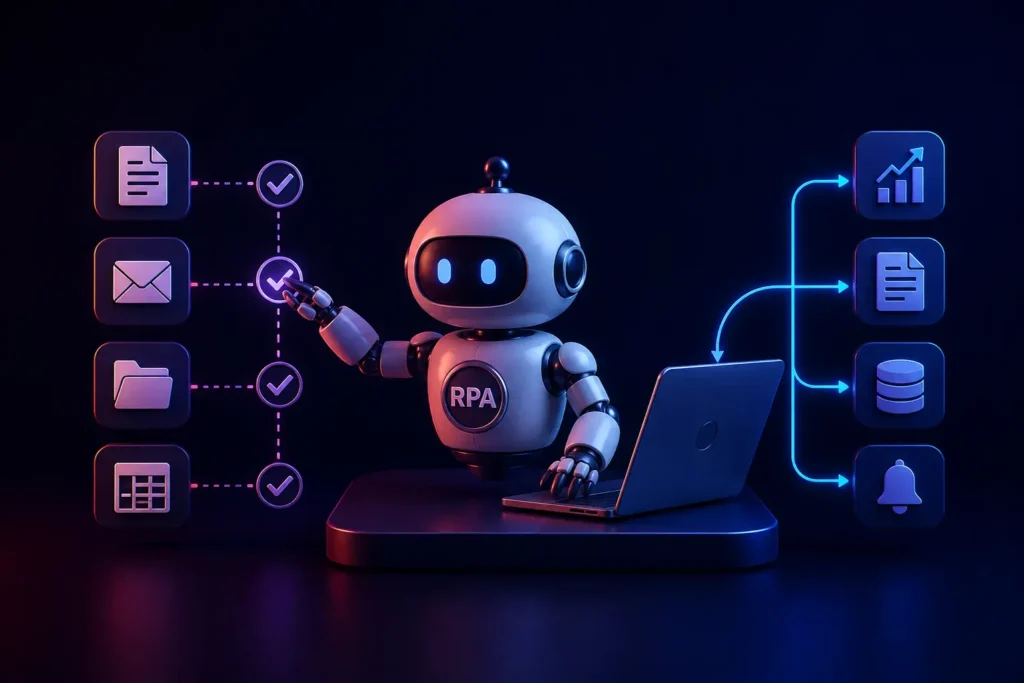
Robotic Process Automation (RPA) is a software technology that builds digital “bots” to mimic human actions on a computer. These bots can navigate software systems, extract data from PDFs, copy/paste information between isolated databases, and execute rule-based administrative workflows, completely automating highly repetitive routine tasks.
For Operations Managers, the most frustrating aspect of running an enterprise is witnessing highly paid, intelligent employees spending three hours a day copying data from an email and pasting it into an outdated CRM.
This manual “swivel-chair” administration is a massive drain on corporate productivity. It leads to high employee burnout and is incredibly prone to human error. In an ideal world, all enterprise software would communicate perfectly via API Development. However, the reality of Legacy System Modernization is that many older systems simply cannot connect to modern APIs.
This is where Robotic Process Automation (RPA) becomes a superpower. By deploying RPA software, businesses can bridge the gap between disconnected systems and automate routine tasks at a massive scale.
How RPA Bots Actually Work
RPA bots are not physical robots; they are software scripts that sit on a computer or server.
Unlike traditional code that lives in the backend database, RPA bots interact with the front-end User Interface (UI), exactly like a human does.
- The bot “logs in” to a software application using standard credentials.
- It “reads” the screen, utilizing Optical Character Recognition (OCR) if necessary.
- It clicks specific buttons, opens dropdown menus, and types data into fields.
- It extracts the data, opens a completely different software application, and pastes the data there.
Because it mimics human keystrokes, RPA can automate processes across literally any software, regardless of whether that software has an API.
High-ROI Use Cases for RPA
RPA is best deployed for high-volume, highly repetitive, rule-based tasks.
1. Invoice Processing in Finance
In the Financial Services sector, processing thousands of vendor invoices manually is a nightmare. An RPA bot can automatically monitor an email inbox. When an invoice arrives, the bot opens the PDF, extracts the vendor name, date, and amount, logs into the central ERP system, inputs the data, and routes it to the CFO for final approval.
2. Employee Onboarding in HR
When a new employee is hired, HR must manually create an email address, set up payroll profiles, grant software access, and trigger training modules across five different systems. An RPA bot can be triggered the moment the employment contract is signed, executing all of these provisioning tasks perfectly in three seconds.
3. Patient Data Migration in Healthcare
The Healthcare Industry is infamous for isolated legacy systems. When a clinic updates its Electronic Health Records (EHR) software, migrating patient histories manually takes months. RPA bots can be deployed to run 24/7, pulling patient records from the old UI and entering them perfectly into the new modern web application built by your Custom Web Development team.
The Evolution: Intelligent Automation (Cognitive RPA)
Traditional RPA is strictly rule-based. If a bot expects a button to be blue, and an update changes the button to red, the bot breaks.
In 2026, standard RPA has evolved into Intelligent Automation by incorporating AI Integration. By adding Smart Technology and Natural Language Processing to a standard RPA bot, the bot can now make minor judgment calls.
For example, an Intelligent Bot reading customer support emails can analyze the sentiment of the text. If the email contains the words “angry” or “cancel,” the bot knows to route the ticket to a senior retention specialist rather than the standard support queue.
Conclusion
Robotic Process Automation is the ultimate tool for eliminating operational friction. By delegating soul-crushing, repetitive data entry to digital bots, Operations Managers free their human workforce to focus on strategy, customer relations, and complex problem-solving-work that humans are actually meant to do.
Are manual workflows slowing down your enterprise?
At VDPL, we engineer custom automation solutions and RPA integrations that drastically reduce administrative overhead. Contact us today for a business process audit.
Frequently Asked Questions (People Also Ask)
What is an example of Robotic Process Automation?
A common example is data migration. If a company receives sales orders via email, an RPA bot can automatically read the email, extract the customer name and order details, log into the company’s accounting software, and create an invoice without a human ever touching the keyboard.
What is the difference between AI and RPA?
RPA is a software “doer”-it strictly follows pre-programmed rules to execute repetitive tasks (like copy/pasting data). AI is a software “thinker”-it analyzes data to recognize patterns and make decisions. Modern enterprise solutions combine them, creating “Intelligent Automation” where AI makes a decision and RPA executes the physical clicks.
Does RPA require coding skills?
Modern enterprise RPA platforms (like UiPath or Automation Anywhere) utilize a “low-code/no-code” drag-and-drop interface, allowing business analysts to build basic bots without writing code. However, integrating massive RPA deployments across complex enterprise architectures requires a skilled DevOps or software engineering team.