
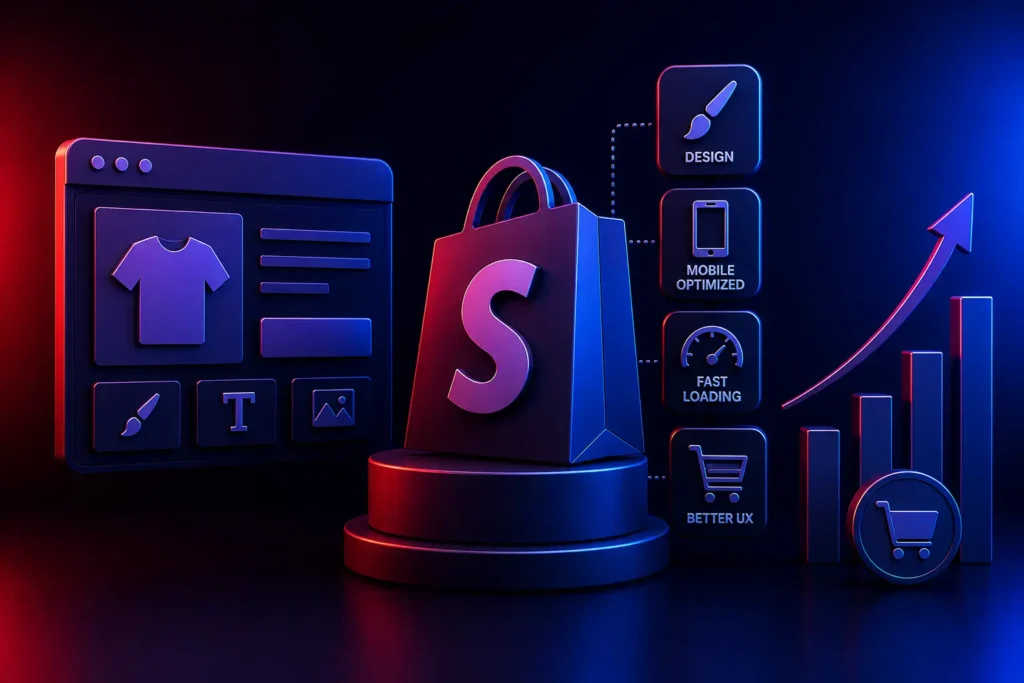
Why should I customize my Shopify store?
While Shopify’s default themes are a great starting point, they are generic. Customizing your Shopify store with advanced Liquid development allows you to create a unique brand identity, drastically improve page load speeds, optimize the mobile checkout flow, and integrate custom APIs, all of which are required to maximize e-commerce conversion rates.
For E-Commerce Directors and Store Owners, the barrier to entry for online retail is essentially zero. Anyone can launch a Shopify store in an afternoon using a $100 template.
However, because the barrier is so low, the competition is brutal. If your store looks and functions exactly like 10,000 other dropshipping websites, modern consumers will instantly recognize the generic template and mistrust the brand.
To scale beyond basic revenue, you must move past drag-and-drop templates. Advanced Shopify customization requires deep architectural changes that directly impact user psychology and technical performance. Here is how custom development transforms a basic store into a high-converting retail engine.
1. Customizing the Product Page Architecture
As we highlighted in our E-Commerce SEO Strategy, the product page is where you win or lose the sale. Generic themes offer rigid layouts: a photo on the left, text on the right.
Advanced Shopify Liquid developers can completely overhaul this architecture:
- Dynamic Media Galleries: Implementing custom swipeable video integration and 3D product models directly into the main image carousel.
- Sticky “Add to Cart” Bars: Developing a custom bar that sticks to the bottom of the mobile screen as the user scrolls, ensuring the primary conversion button is always within the “Thumb Zone” (a critical Mobile-First Design principle).
- Custom Metafields: Adding highly specific data points (like specialized sizing charts or technical material breakdowns) that generic themes cannot support natively.
2. Ruthless Speed Optimization (Removing App Bloat)
The easiest way to ruin a Shopify store’s conversion rate is to install twenty different third-party apps (one for reviews, one for popups, one for countdown timers).
Every app you install injects heavy, render-blocking JavaScript into your theme. This destroys your Core Web Vitals and causes the site to load at a crawl.
A core component of Shopify customization is “App Rationalization.” Custom developers will strip out slow third-party apps and hard-code those necessary features (like a custom announcement bar or a color swatch selector) directly into the theme’s Liquid code. This drastically reduces the DOM size and restores blazing-fast load speeds, directly increasing conversions.
3. Frictionless Custom Checkout Experiences
If you are on Shopify Plus, you unlock access to checkout.liquid (or the newer Checkout Extensibility platform). This is the most lucrative area for custom development.
Generic checkouts cause massive abandonment. Customization allows you to:
- Inject trust badges and custom security messaging directly next to the credit card input field.
- Build custom one-click upsell and cross-sell modules that trigger after the initial purchase is secured, maximizing Average Order Value (AOV) without adding friction to the main checkout.
- Integrate complex, bespoke shipping calculators for heavy B2B freight that standard Shopify cannot handle.
4. Complex API Integrations for Multi-platform
A high-volume Shopify store does not operate in a vacuum. It must communicate with your massive platform.
Custom development allows for deep API Integrations. You can build custom middleware to sync Shopify inventory in real-time with your legacy Enterprise Resource Planning (ERP) software, or integrate complex, logic-based data feeds into your Programmatic Advertising dashboards, fully automating your multi-platform marketing.
Conclusion
A generic Shopify theme is a starting line, not a finish line. To capture market share and maximize ROI in a hyper-competitive landscape, you must invest in bespoke architecture. By utilizing custom Liquid development to optimize product pages, eradicate app bloat, and streamline the checkout flow, you transform a basic template into a premium, high-converting digital flagship store.
Is your Shopify store struggling to break through revenue plateaus?
At VDPL, our elite Shopify developers execute deep Liquid customization, API integrations, and headless architectures for high-volume enterprise merchants. Contact us today to discuss scaling your e-commerce operations.
Frequently Asked Questions (People Also Ask)
Can you customize a Shopify theme?
Yes, Shopify themes are highly customizable. While the visual editor allows for basic color and layout changes, true customization requires editing the theme’s underlying code (HTML, CSS, JavaScript, and Shopify’s proprietary templating language, Liquid). This allows developers to build entirely unique features and layouts not available in the base template.
What is Shopify Liquid?
Liquid is an open-source template language created by Shopify and written in Ruby. It is the backbone of all Shopify themes. Liquid code acts as the bridge between the HTML structure in a user’s browser and the dynamic data (like product prices, titles, and inventory levels) stored in your Shopify store’s database.
Why is my Shopify store so slow?
The most common cause of a slow Shopify store is “app bloat.” Every time you install a third-party app from the Shopify App Store, it injects extra JavaScript code into your website. Having too many apps, large uncompressed images, or a poorly coded, bloated theme will cause significant delays in page rendering, harming both UX and SEO.